1
/
of
8
Amazon Basics
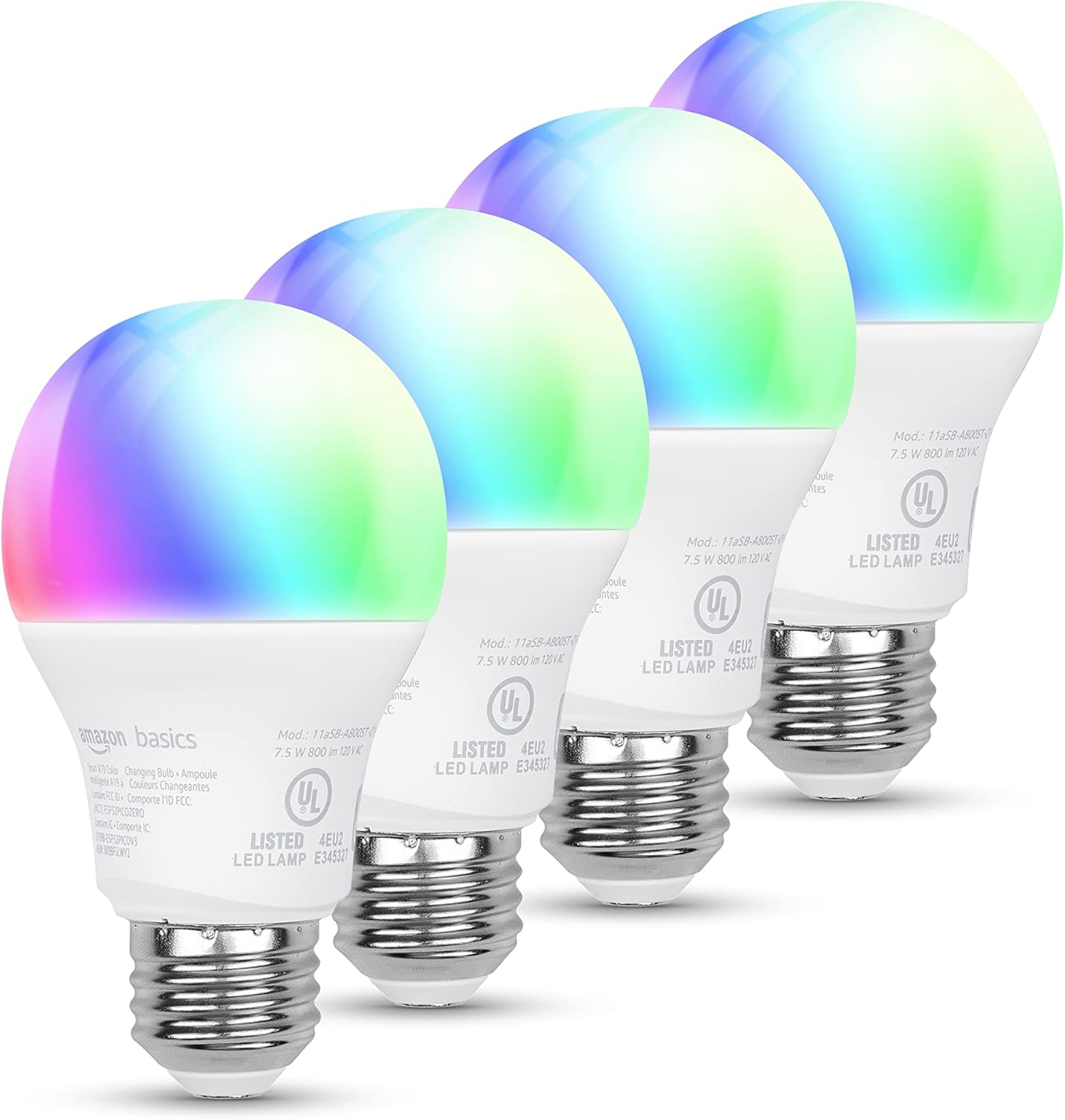
Amazon Basics Smart A19 LED Light Bulb, Color Changing, 9W (60W Equivalent), 800LM, Works with Alexa Only, WiFi 2.4 GHz, No Hub Required, Mood Lighting, Energy Efficient, 1-Pack
Amazon Basics Smart A19 LED Light Bulb, Color Changing, 9W (60W Equivalent), 800LM, Works with Alexa Only, WiFi 2.4 GHz, No Hub Required, Mood Lighting, Energy Efficient, 1-Pack
Regular price
$17.99 USD
Regular price
Sale price
$17.99 USD
Shipping calculated at checkout.
Quantity
Couldn't load pickup availability
About This
- TRANSFORM YOUR SPACE WITH BRILLIANT COLORS: Create your perfect mood by choosing from 16 preset color selections and brightness levels from 5% to 100%. Have best moments during holiday festivities or gaming with friends or movie nights with family with different colors. Just say “Alexa, set the hall lights to purple”. Note: bulbs are dimmable via Alexa app or voice control only (not compatible with a physical dimmer.)
- CONTROL FROM ANYWHERE: Control your smart lights with Alexa app even when you are not at home e.g. from your car, office, gym. Feel secure by making your house look occupied even when you are away by creating an Alexa routine to schedule lights to turn on and off automatically.
- GROUP CONTROL: Create groups in the Alexa app to combine lights together, allowing you to control lights by each room, or all of your home lights with a single voice command or via app. When it's time to sleep, just say “Alexa, turn off the bedroom” OR use the Alexa app to turn off the bedroom lights at once.
- SUITABLE FOR EVERY ROOM: Upgrade your home by adding smart lights to every interior space, including damp locations like bathrooms.
Overview
- Light Type : LED
- Special Feature : Dimmable, Voice Control
- Wattage : 9 watts
- Bulb Shape Size : A19
- Start by screwing in your light bulb. Connect to a secure Wi-Fi, open the Alexa app, tap the Devices icon, and click the + icon to get started.
- All you need is an Alexa-enable device and a coordinating voice command such as “Alexa, turn on the living room lights".
- Easily turn on/off and adjust your light bulb settings, even when you're away from home. All you need is the Alexa app.
- Choose from 16 preset color selections and a dimmable range from 5% - 100% with the help of Alexa (not compatible with a physical dimmer switch)
- Save energy and have fun with loved ones by creating custom Alexa Routines for daily and unique events. Get started in the Alexa app to create your routine with 3 simple steps
- Open the Alexa app Select ‘More’ in the bottom navigation menu Select "Routines" and follow the prompts
- 1. Verify you have the latest version of Alexa App
- 2. Your paired device and bulb are connected to the same 2.4G wifi network, and are within 30 ft
- 3. Power off light and power it back on
- 4. If it is still not working, please factory reset your bulb
- How do I reset the light bulb?
- Use a light switch to turn on and off the bulb 5 times. During the 6th power on cycle , it will flash 5 times, then flash twice softly, indicating you have successfully factory reset your light bulb, and it is ready for setup again.
- What should I do if I lose the setup Barcode or Barcode scan setup fails ?
- You can set up you device via 2 alternative setup methods that can be found in the User Manual attached in this page down in the Product guides and documents section.
- What should I do if my light bulbs appears offline or unresponsive ?
- 1. Please make sure the light switch is powered On
- 2. Power off light and power it back on, wait for 1 minute and check the status
Share