1
/
of
8
Kenkor
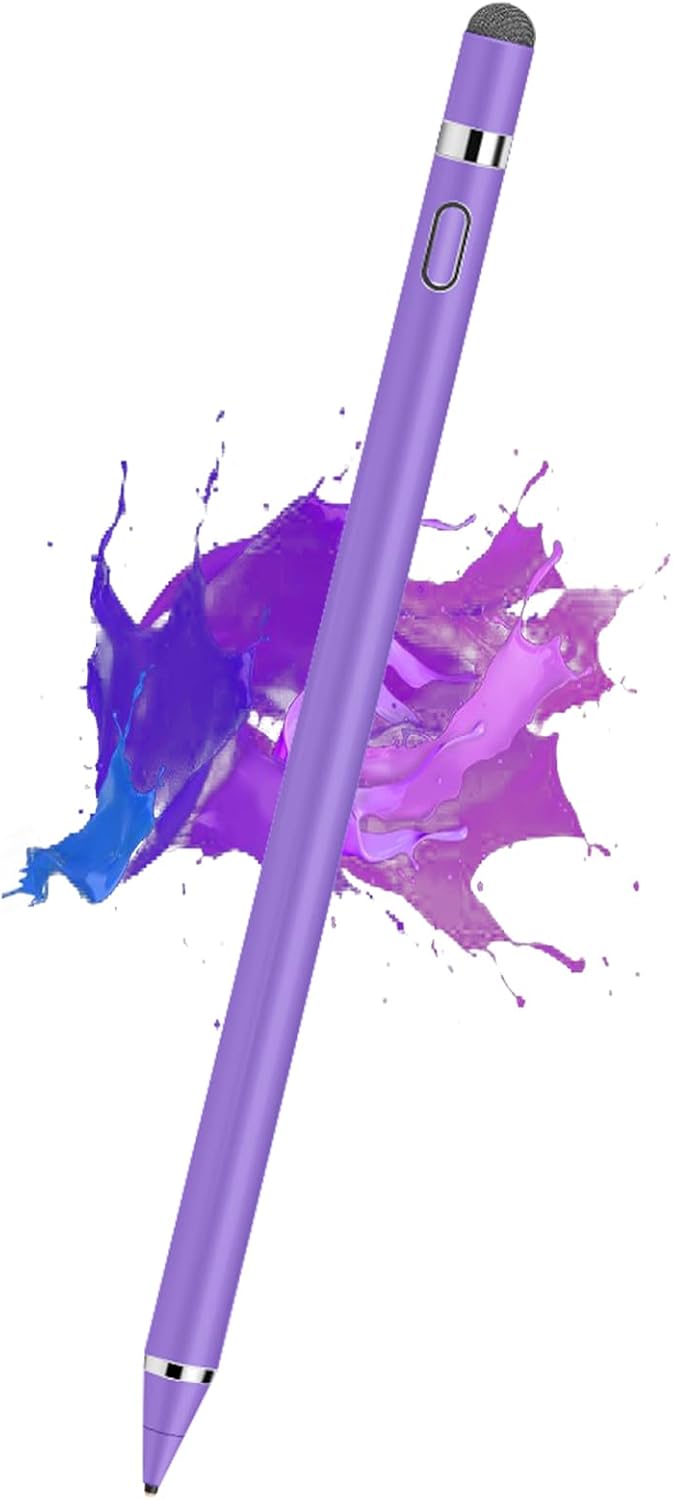
Kenkor Stylus Pen for Touchscreen, Rechargeable Digital Fine Point Active Tablet Pencil, Stylus Pen for iPhone/Android/Apple iPad Pro/Air/Mini/Samsung/Cellphone/Tablet Drawing & Writing - White
Kenkor Stylus Pen for Touchscreen, Rechargeable Digital Fine Point Active Tablet Pencil, Stylus Pen for iPhone/Android/Apple iPad Pro/Air/Mini/Samsung/Cellphone/Tablet Drawing & Writing - White
Regular price
$20.99 USD
Regular price
Sale price
$20.99 USD
Shipping calculated at checkout.
Quantity
Couldn't load pickup availability
About This
- Stylus Pens for Touch Screens Devices: Kenkor stylists pens for ipad/iPad Pro/iPad Mini/iPad Mini, Samsung, Galaxy, iPhone/Pro/MAX, Huawei, etc. [Note] Not compatible with Chromebook, Lenovo, Windows (Microsoft), and Samsung tablet/phone models using the S-Pen
- 2 in 1 Copper & Mesh Fine Tip: This tablet pens for touch screen has a 1.45 mm accurate copper fine point tip end and a magnetic mesh end. Both ends can be used, The smart pen copper tip is more suitable when you need to write small characters, and the mesh tip can be used when the stylus runs out of power, so you don't have to worry about the stylus running out of power and being unusable
- Long-lasting Battery Life: This tablet stylus digital pen built-in battery, only 1-1.5 hours of charging, 8-10 hours of use, with Micro USB cable. The phone stylus automatically turns off the power every 5 minutes to protect battery life
- Easy to Use: This phone pen does not need to change pencil tip, NO need Bluetooth, just pressing the button once (Blue light on) and you can draw or write on your touch screen devices
Overview
- Color : White
- Brand : Kenkor
- Material : Aluminum
- Number of Batteries : 1 Nonstandard Battery batteries required. (included)
- Compatible Devices : Android, Smartphone, Tablet, iPad, iPhone
- Are Batteries Included : Yes
- Batteries Required? : Yes
- Number of Packs : 1
- Minimum Required Operating System Version : Android 1.0
- Active stylus pen
- Stylus pen for iPad
- Stylus Pen for Android
- Stylus for touchscreens
- Previous page
- Doesn't work on Notability?
- Please try to set up your iPad as follows: info--->Apple Pencil--->Disconnect--->Start writing to connect
- Doesn't work on Noteshelf?
- Please try to set up your iPad as follows:Setting--->Stylus--->Enable
- Doesn't work on Goodnotes?
- Please try to set up your iPad as follows: Stylus&Palm rejection--->Smart Stytus--->None
- Doesn't work on Notes?
- Please try to set up your iPad as follows: Setting--->Draw with finger
Share