1
/
of
8
Dell
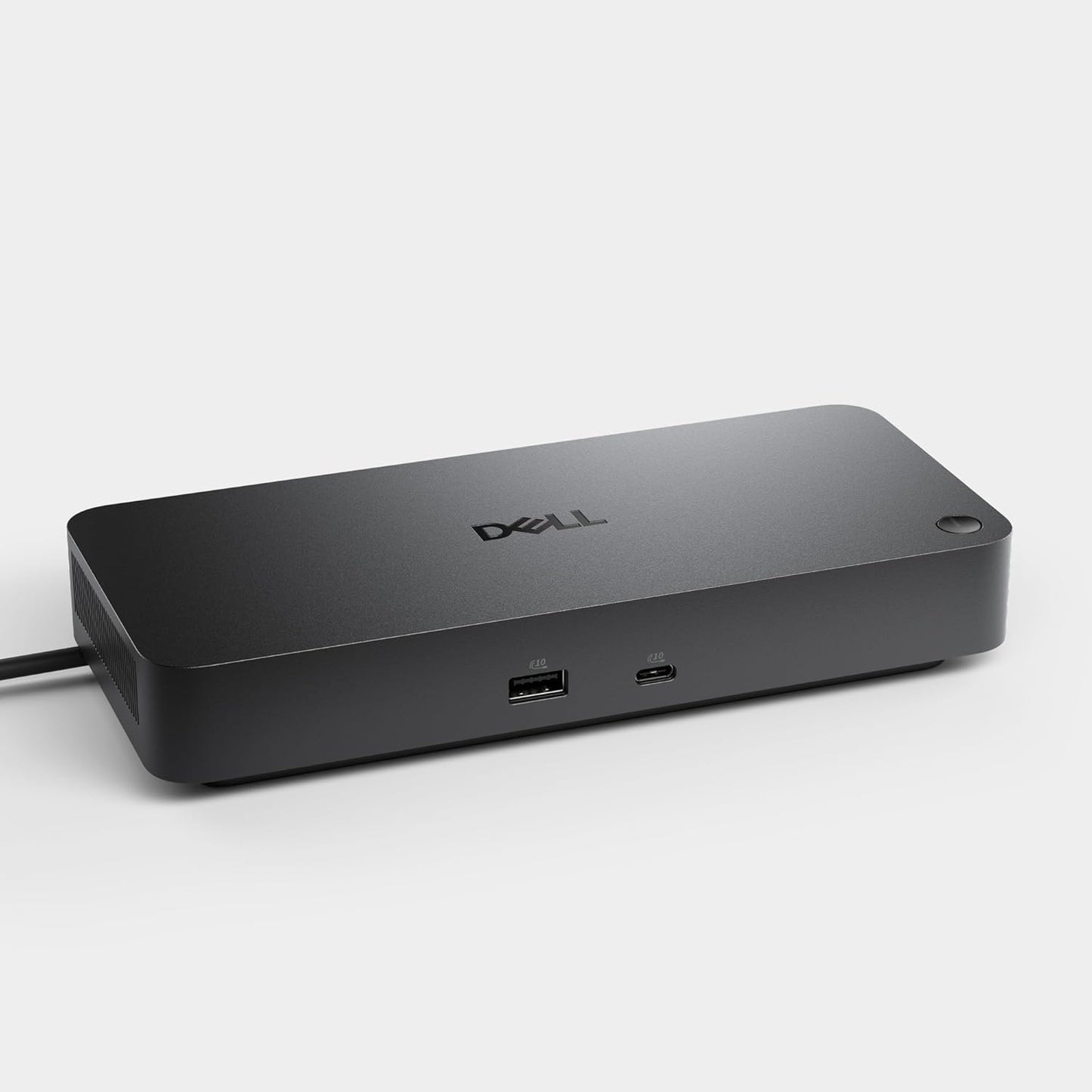
Dell Pro Dock WD25 - USB Type-C with DP Alt Mode Connector, DisplayPort/HDMI/USB 3.2 Gen2 Connectivity, Up to 100-Watt Power delivery - Black
Dell Pro Dock WD25 - USB Type-C with DP Alt Mode Connector, DisplayPort/HDMI/USB 3.2 Gen2 Connectivity, Up to 100-Watt Power delivery - Black
Regular price
$246.99 USD
Regular price
Sale price
$246.99 USD
Shipping calculated at checkout.
Quantity
Couldn't load pickup availability
About This
- Powerful compatibility: Power essential productivity across the AI PC workplace. The Dell Pro Dock offers enhanced compatibility and drives up to 100W of power to new mainstream Dell AI PCs and non-Dell PCs.
- Modern manageability: The Dell Pro Dock is part of the world’s most manageable commercial docking family, with flexible management capabilities, designed to uplevel IT efficiency and keep users working without disruption.
- Thoughtful design: Configure your workspace with an ambidextrous USB-C cable that can be routed left or right. Features a new robust USB-C connector, designed for enhanced durability.
- A leader in sustainable innovation: Experience up to 72% reduction in power consumption on standby mode. Built with at least 65% postconsumer recycled materials and packaged with 100% recycled or renewable packaging.
- Upgraded for modern work: Expand your views with native support for up to four high-res displays. Keep your PC accessories connected and charged with the latest ports, while staying productive with faster USB and network speeds.
Overview
- Gain the versatility to create your ideal workspace with a dock featuring 6 USB ports, support for 4 displays and driving up to 100W of power delivery to the latest Dell AI PCs for optimal productivity.
- Keep your dock up to date and work without interruption.
- Improved manageability: Manage your dock from the Dell Device Management Console by utilizing Dell Display and Peripheral Manager installed on your PC.
- Simplify firmware updates: Reduce IT complexity by deploying a single firmware file across workspaces. Minimize end-user disruption with silent firmware updates triggered upon dock disconnection.
- Work with confidence: Enhance your docking experience with universally compatible features including MAC Address Pass-Through and Power Button Sync, for a better docking experience across brands.
- Power Button Sync will work with non-Dell notebooks if they support PD3.1 spec.
- Configure your workspace to your liking with an ambidextrous USB-C cable that can be routed left or right.
- The accurate length of this cable is 0.80 meters. The image provided is for illustrative purposes only.
- The Dell Pro Dock is built with at least 65% post-consumer recycled materials and packaged with 100% recycled or renewable packaging, and offering up to 72% power consumption reduction on standby mode.
- Based on Dell internal analysis, December 2024.
- 1. USB-A 3.2 Gen 2 with PowerShare | 2. USB-C 3.2 Gen 2 | 3. HDMI 2.1 | 4. DisplayPort 1.4 | 5. DisplayPort 1.4 | 6. USB-C 3.2 Gen 2 Multifunction DisplayPort 1.4 | 7. USB-A 3.2 Gen 2 with PowerShare | 8. USB-A 3.2 Gen 2 with PowerShare | 9. USB-A 3.2 Gen 2 with PowerShare | 10. 2.5 Gigabit Ethernet (RJ45) | 11. Power In
- Browse accessories from Dell
- Connect your way Configure your workspace to your liking with an ambidextrous USB-C cable that can be routed left or right. The accurate length of this cable is 0.80 meters. The image provided is for illustrative purposes only. The video showcases the product in use. The video guides you through product setup. The video compares multiple products. The video shows the product being unpacked. Shri Gurudev Datta Merchant Video
- Designed for sustainability The Dell Pro Dock is built with at least 65% post-consumer recycled materials and packaged with 100% recycled or renewable packaging, and offering up to 72% power consumption reduction on standby mode. Based on Dell internal analysis, December 2024.
- Improved manageability
- Simplify firmware updates
- Work with confidence
- The video showcases the product in use.
- The video guides you through product setup.
- The video compares multiple products.
- The video shows the product being unpacked.
Share